LeTa IPTViPhone · iPad · Apple TV
Every screen deserves a frame.
(01) The player
What LeTa IPTV is
LeTa is a media player for iPhone, iPad and Apple TV. You bring the playlist. LeTa brings the cinema.
LeTa is a media player. It does not provide any content, channels or streams; you add your own legal M3U or Xtream source.
- 15experiences to choose from
- 4playback engines
- 2subtitles on screen at once
- 0ads, trackers or analytics

(02) An evening with LeTa
One evening, one living room.
How LeTa fits into a night at home, hour by hour.
-
19:00
Before dinner
The evening starts with your own playlist.
Add an M3U link, sign in to an Xtream account or, with Pro, open your own media server. Addresses and passwords stay in the device's Keychain.
-
20:15
After dinner
Nobody can decide, so you leave it to LeTa.
LeTa Pick suggests up to three titles for the mood, the length and the company, and says why. Source Compass folds every copy of a film into one card, and the Availability Shield shows Watch only when it is really in your sources.
-
21:00
Prime timeLive
The news is on, and the guide is right on time.
A real programme guide with a live preview and reminders. With Pro, the Guide Doctor catches an outdated guide or a wrong time zone, and whatever you will miss gets recorded.
-
22:30
Kids asleep
The little ones are in bed. The film can change.
Everyone has their own profile, up to eight with Pro, and a PIN keeps one private. Kids profiles see only what you allow, and adult categories stay behind a filter.




-
23:40
Lights down
Eyes close halfway through the film.
A sleep timer switches off for you, and night mode keeps the loud scenes down. Tomorrow the film waits in Continue Watching.
-
07:45
Next morning
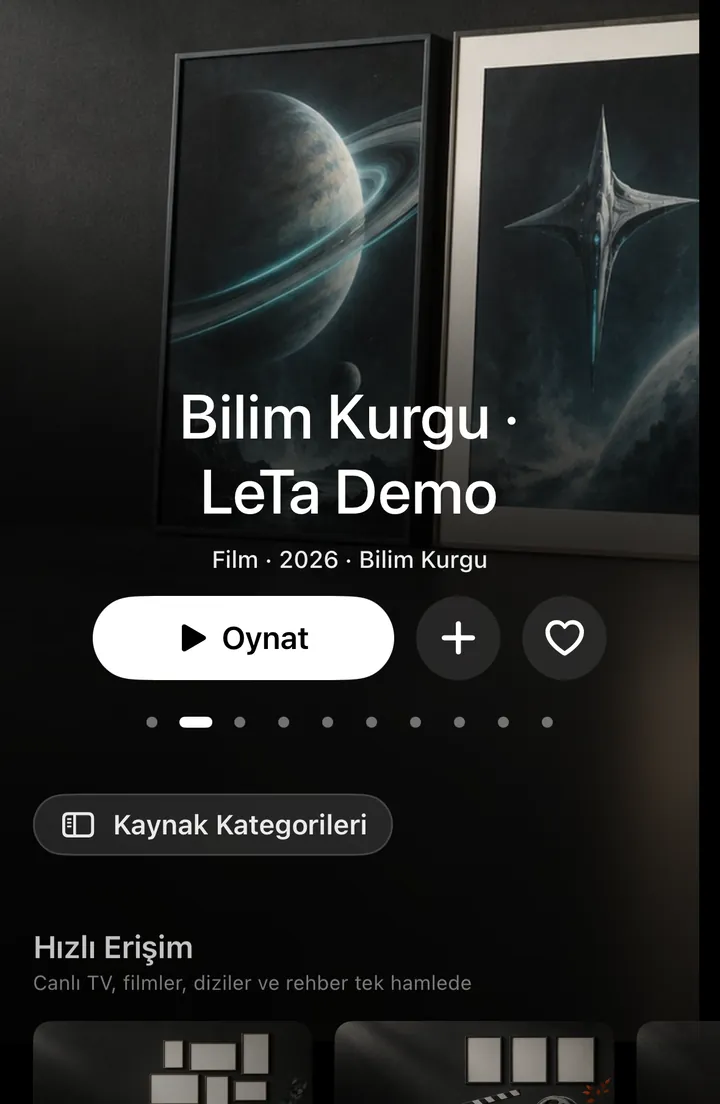
The film carries on, on your phone.
Pro's cloud sync carries your place to every device, and free nearby sync does it at home, encrypted. For the tunnel, download it first.
-
Sat21:45
Match nightSoon
Big match, and the score never covers the picture.
The score strip and the match panel sit beside your own live stream, and the spoiler guard waits for your stream's delay. LeTa Sport arrives with the App Store release.
(03) The player
Flip through the player.
Scroll, use ← → or press a channel
CH 01LivePRO
(04) Three screens
Made for each screen it lives on.
The remote and the sofa on Apple TV, a sidebar and the whole catalogue on iPad, one hand on iPhone.
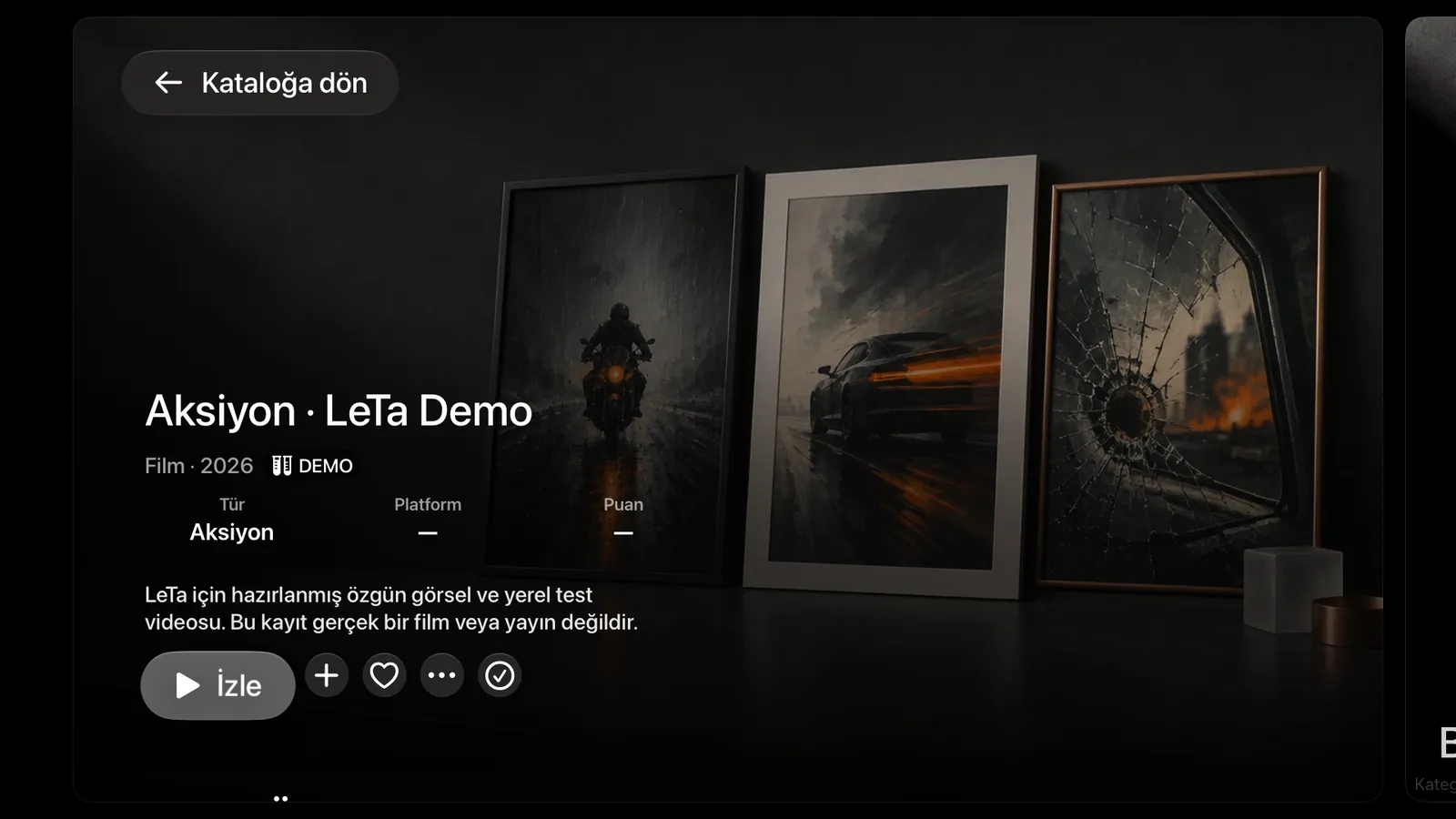
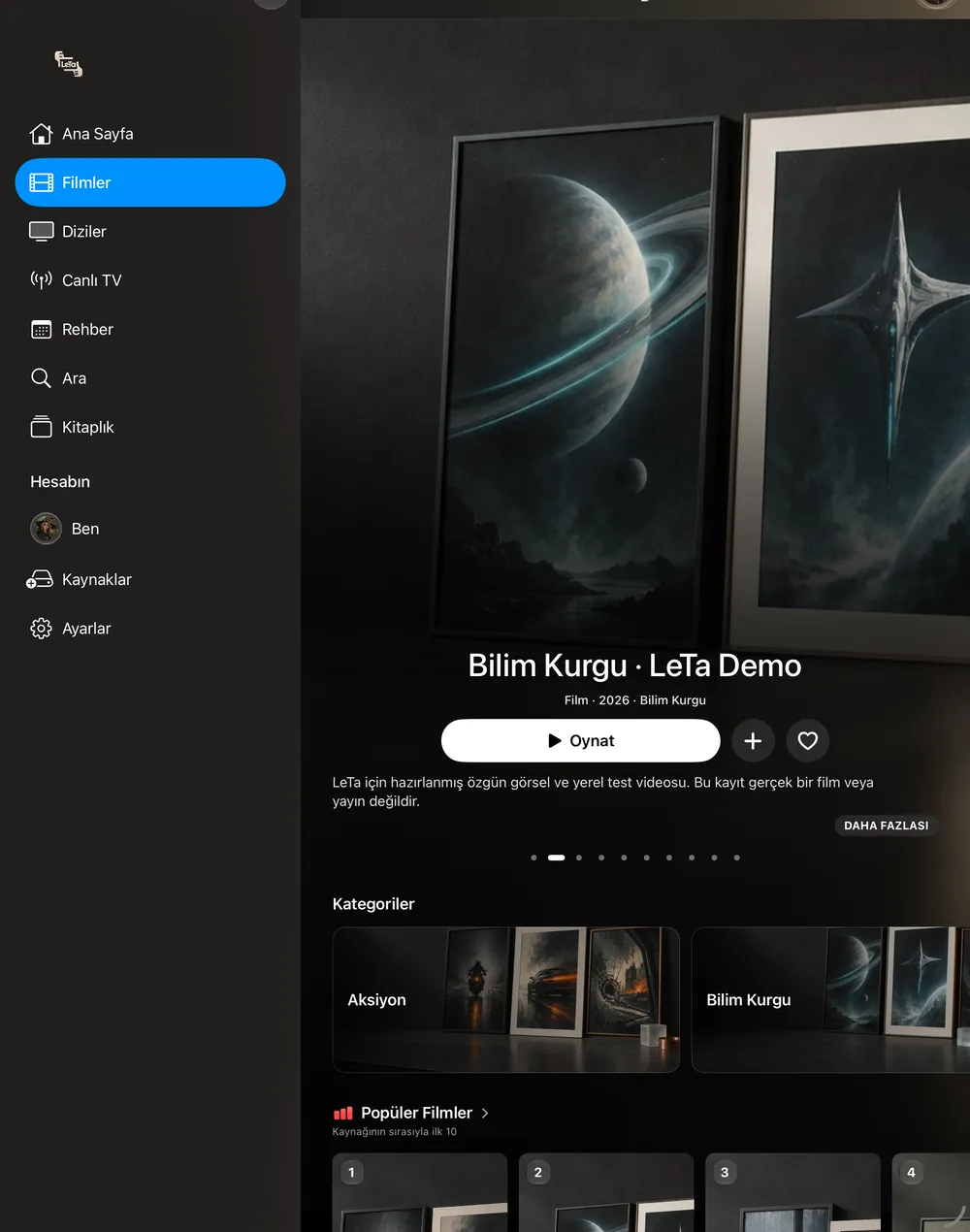
Screens from the test build with LeTa's own demo catalogue. Every poster is invented.
(05) Fifteen experiences
One catalogue. Fifteen ways to walk through it.

01
Klasik
Calm colours, a big showcase and familiar rows of cards.

02
Cümbüş
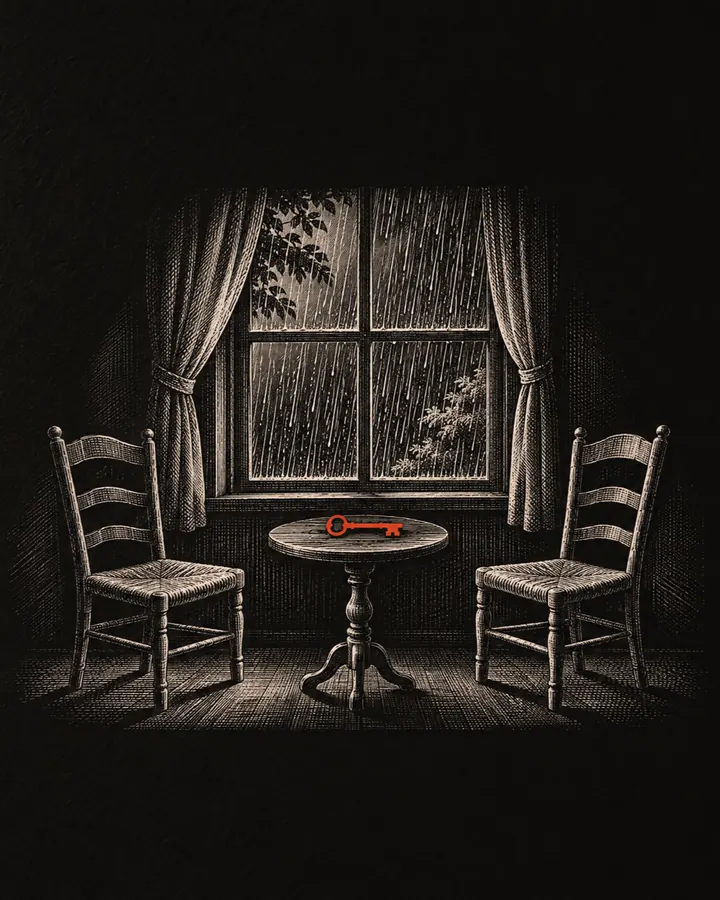
The same layout in lively colours with its own hand-drawn icons.
03
Dergi
Each page opens like a magazine issue: a cover, numbered sections, a big index.
04
Duvar
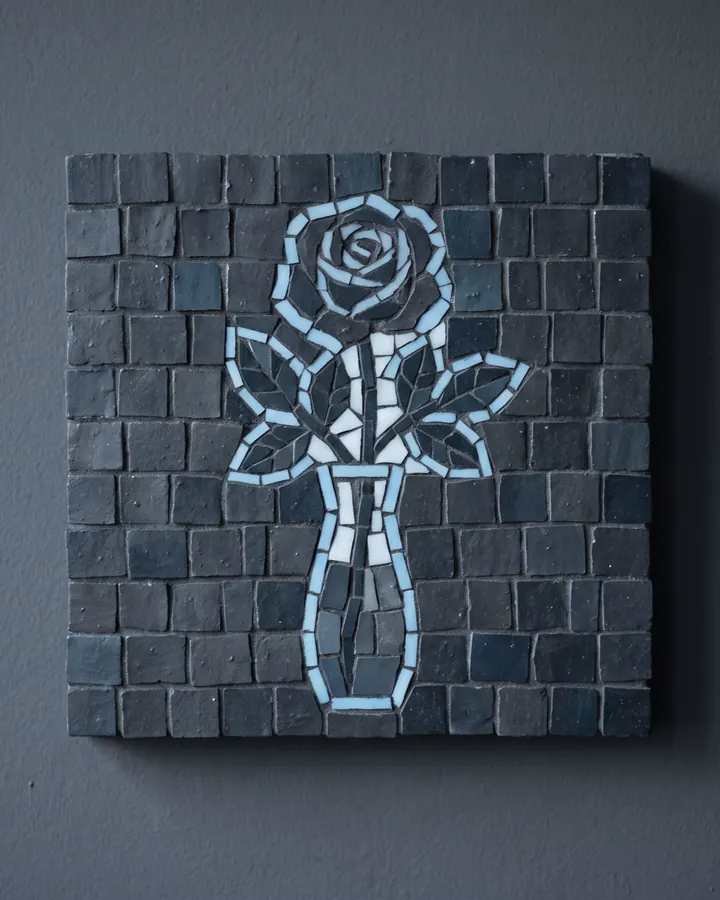
A mosaic wall of tiles lit by the picture in focus, with a fixed info panel.
05
Şerit
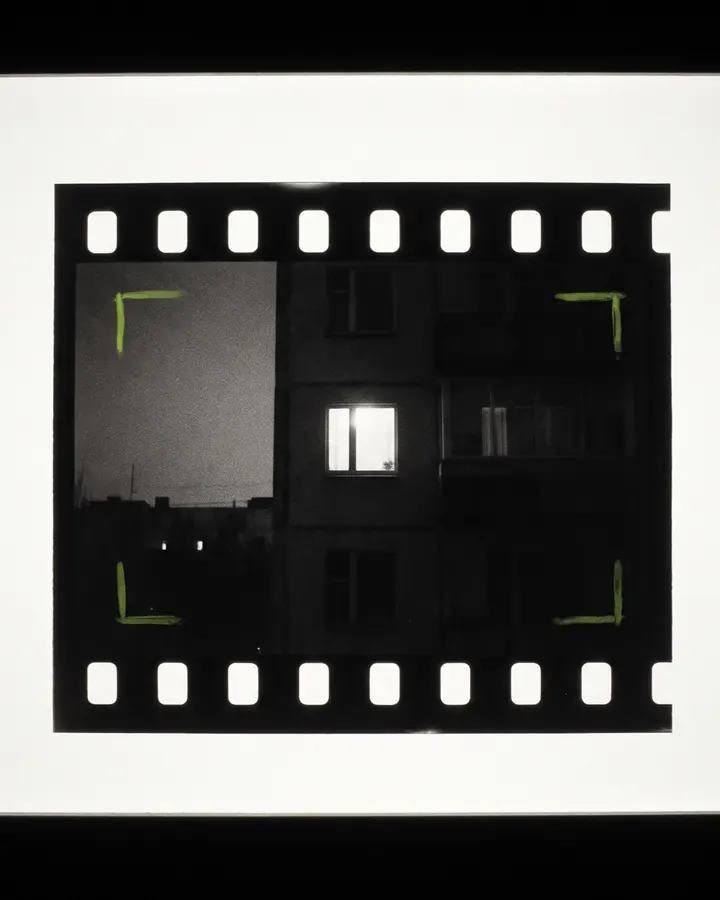
A film strip: narrow frames open in a viewfinder, shelves fold like an accordion.

06
Dantel
A tube TV under a lace cover where every title is a channel.

07
Menzil
A yellow field and a lock frame; the focused title's name rolls in giant letters.
08
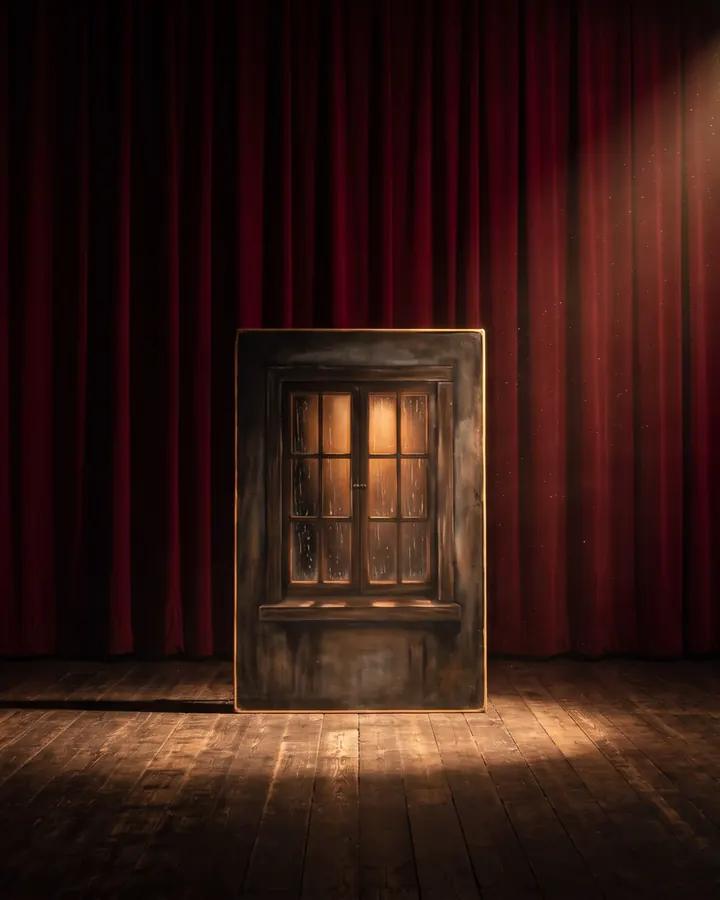
Salon
A picture house: the curtain opens, shelves are lit poster cases under a marquee.

09
Ekspres
A night train: scenery flows past and every shelf is a carriage.

10
Cam
Glass shelves, one Up Next row and featured cards with depth.
11
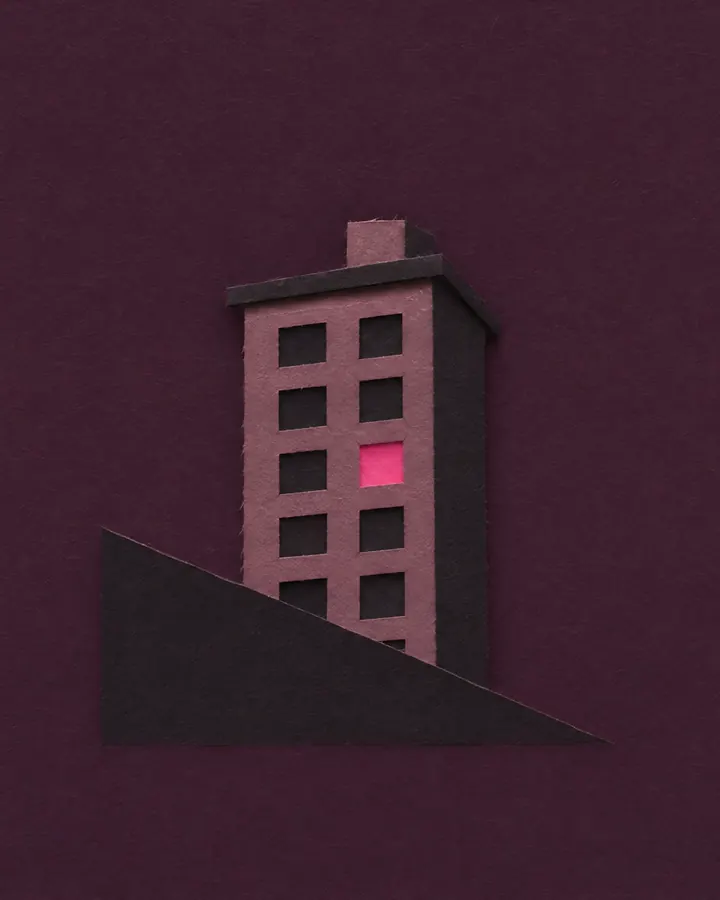
Afiş
A few very large tiles; the one in focus opens where it stands.

12
Seyir
A fixed viewing area up top that follows focus, dense poster shelves below.

13
Pusula
A strip of directions across the top; details open inside the row.

14
Masal
Your categories as doors, then large rounded posters.

15
Harman
The blend: Up Next, a viewing band, tagged tiles and category doors on one page.
Even the app icon changes with you: ten to choose from. PRO
(06) The full guide
And everything else.
All seventy-eight features, laid out like tonight's TV listings. Press any programme for the details.
78 / 78 features
(07) Free, or Pro
Free plays at the same quality as Pro.
Free to start, with LeTa Pro for more screens and extras. Coming soon to the App Store.
(07) Quiet by design
No ads. No tracking. No analytics.
Passwords stay in your device's Keychain. The account is optional, and you can delete it inside the app. No crash reports, no third-party analytics, nothing sold.
Read the privacy policy