


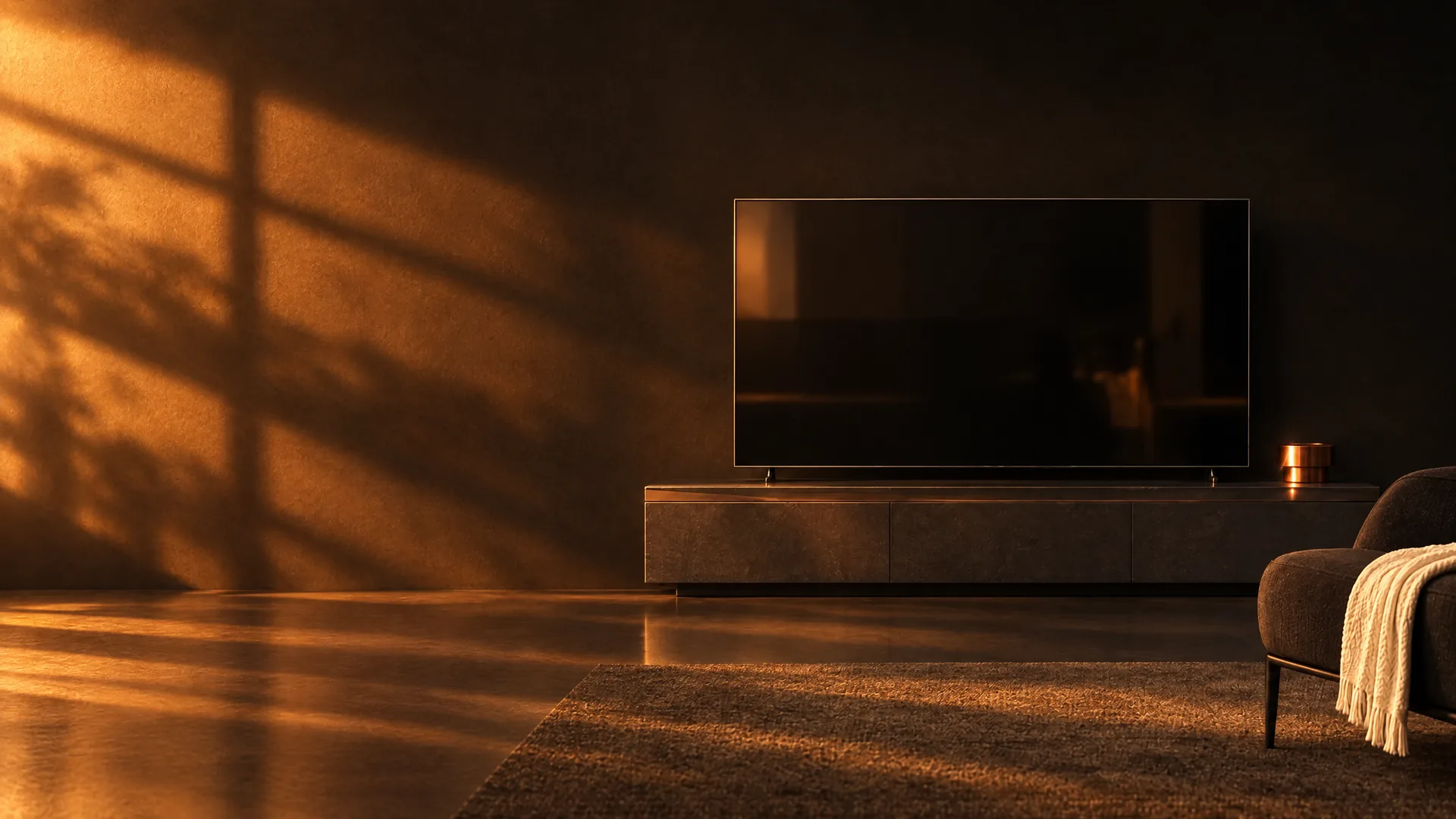
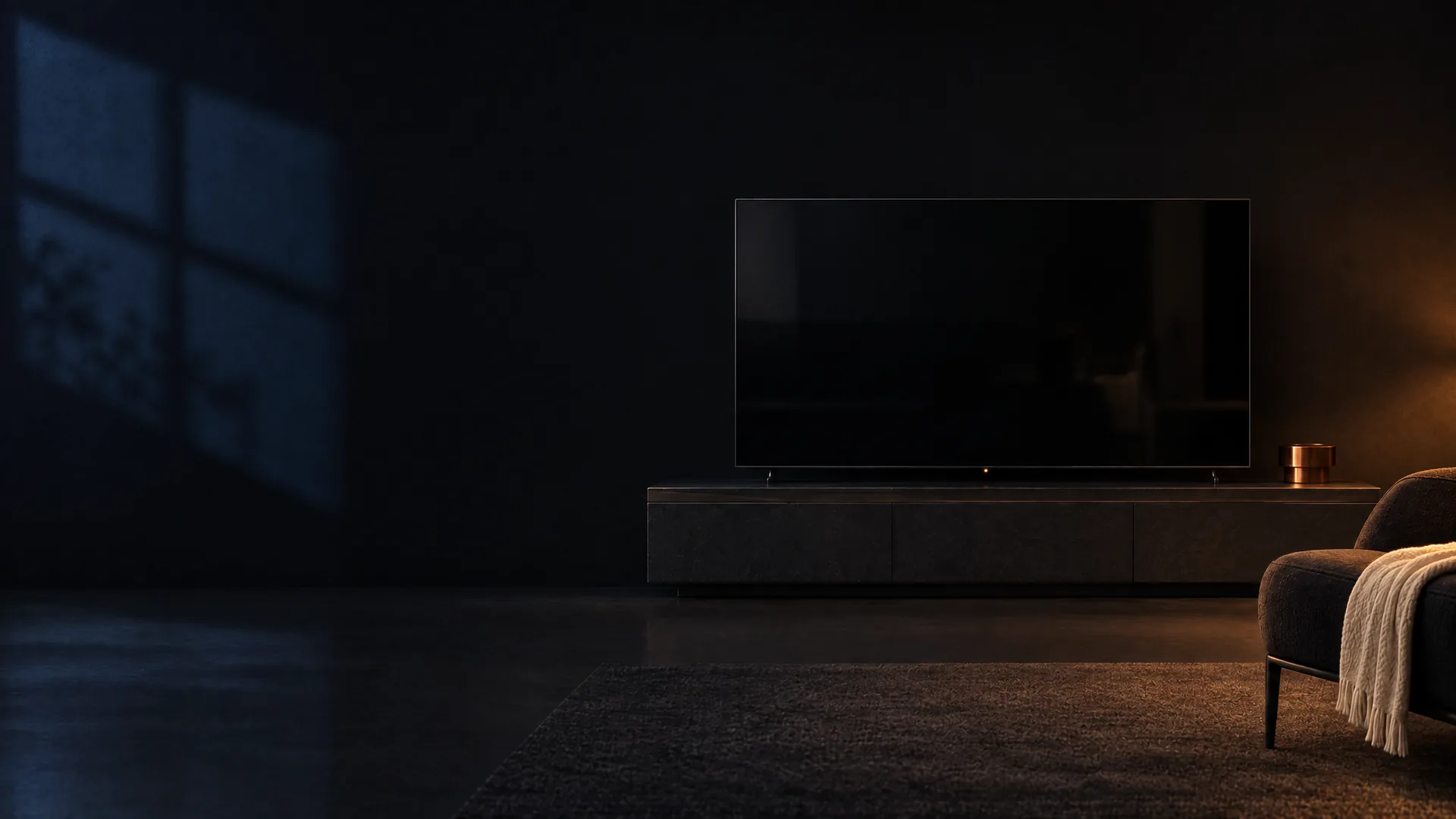
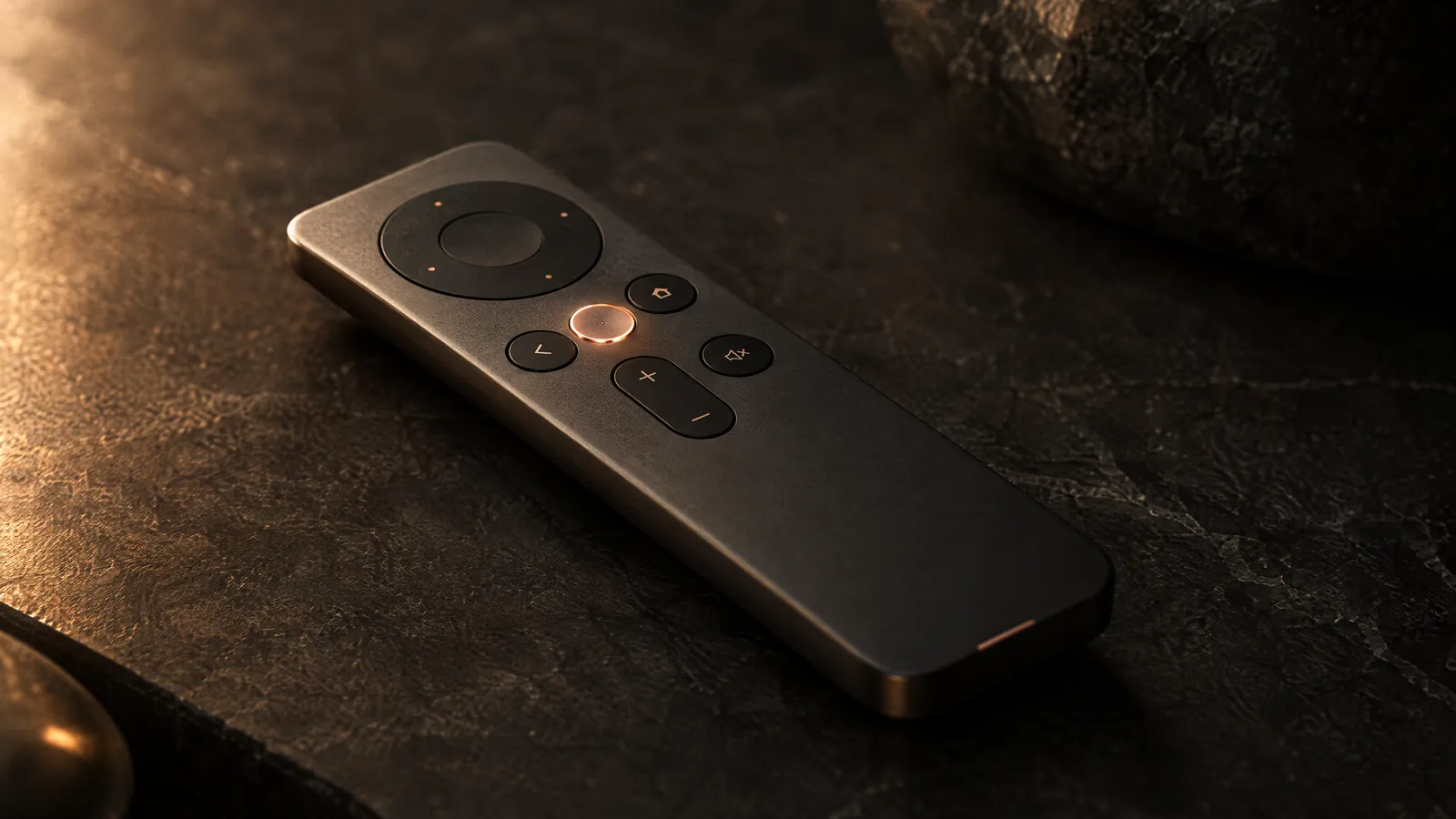
You've got the remote.
It's your TV. Why let someone else decorate the home screen? LeTa rebuilds it from scratch and hands you the keys.
NO ADS · NO SIGN-UP · NOBODY WATCHING
It's 9:47 PM where you are, so the room's lit for it. Try another hour:
The first thing you see when you switch on the TV should be yours. Your apps, your wallpaper, your clock. LeTa gives the screen back to you.
LETA · FOR ANDROID TV AND GOOGLE TV
We don't hang ads on this wall.
Most home screens start selling before you've found the remote. We cleared the wall. The rest is yours.
0 ads · 0 accounts · 0 trackers · We counted.
What kind of home do you feel like today?
Some people want to channel-surf their apps. Some want them on a watch dial. Some lay them out like instant photos on a stone desk. LeTa has 106 scenarios; 74 of them are home styles, and you can zap through every one of those right here. Each remembers how you left it: the wallpaper, the icon shape, the accent colour, the focus motion. The Motion worlds and games are a little further down.
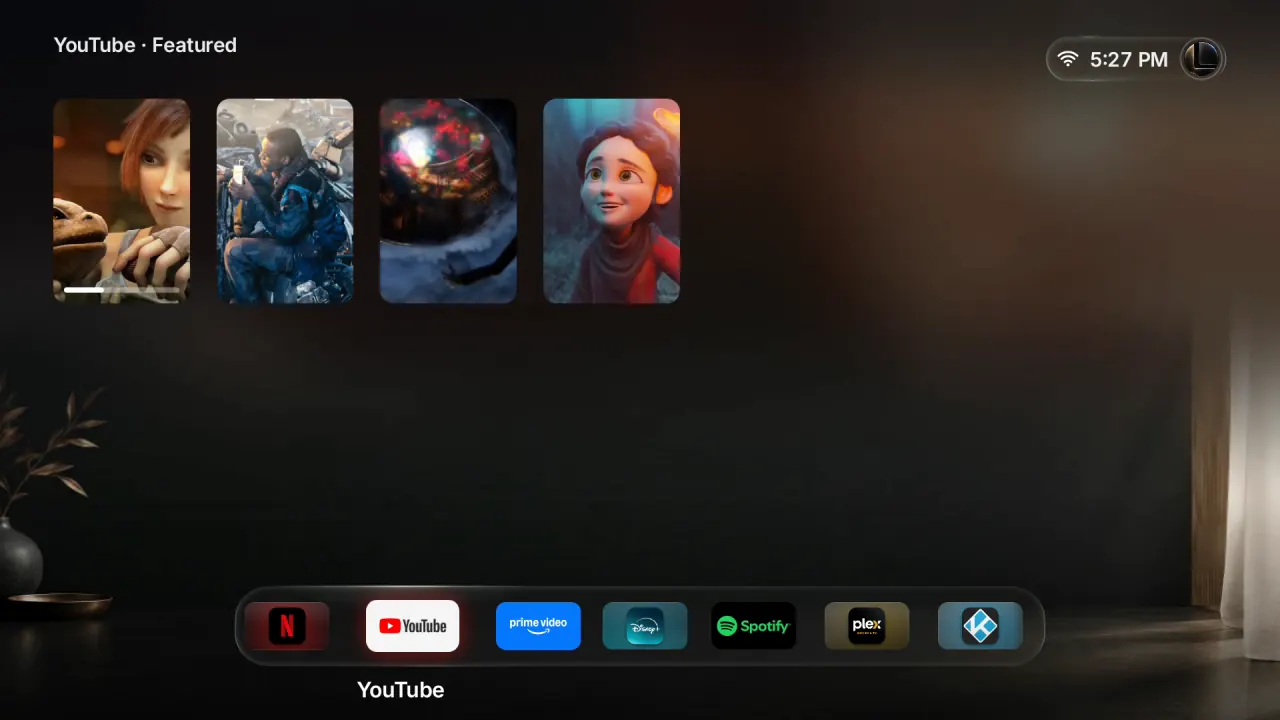
01 / 74
Default
You can punch in a number too. Type 30 to see Glass Lounge.
FIRST 30: REAL TV CAPTURES · THE OTHER 44: THE 1.3 BUILD ON AN ANDROID TV EMULATOR · SHELF SAMPLES: BLENDER STUDIO OPEN MOVIES (CC BY) AND FICTIONAL POSTERS · YOUR TV SHOWS YOUR OWN APPS
A CLOSER LOOK
A closer look at a few.
These scenarios are built on LeTa's own pictures, and each one opens the content of the app you rest on. Before you decide, really use any of them for 5 minutes, once a day.
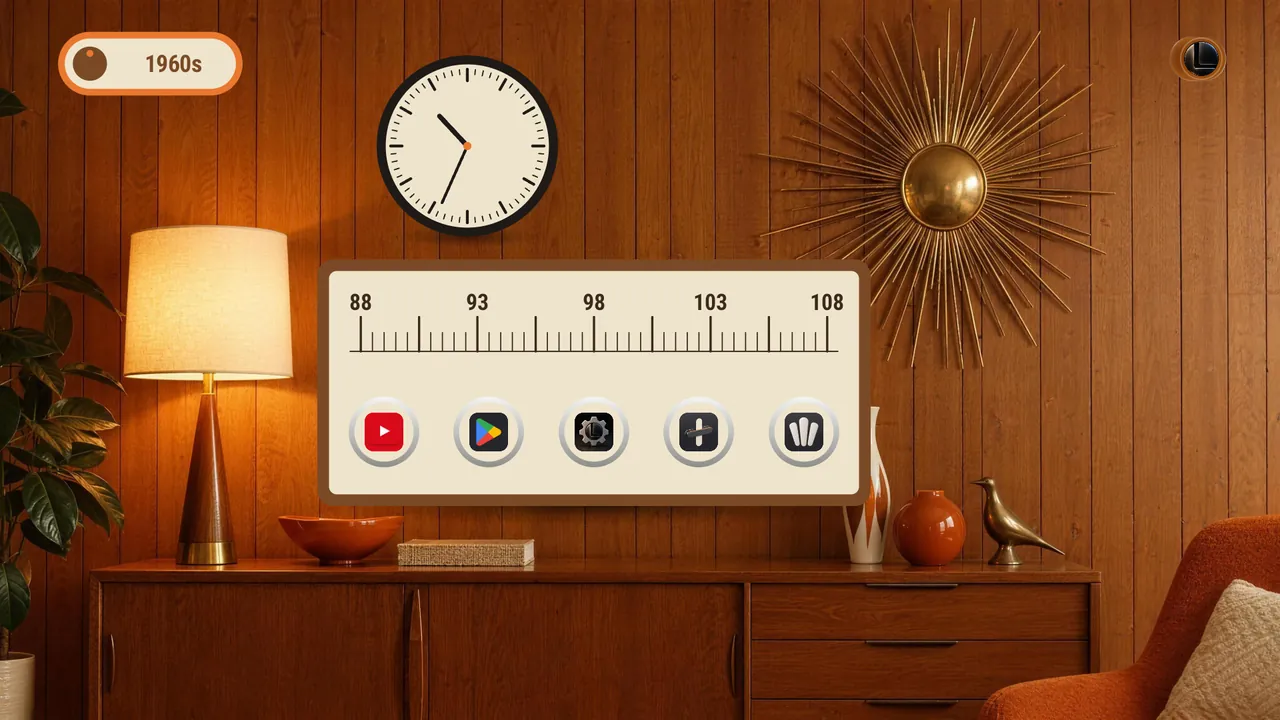
TIME MACHINE · FIVE DECADES
Time Machine
Five decades, each a home screen of its time: a 1960s teak radio, a 1970s cassette rack, 1980s neon on a synthwave grid, a 1990s bevelled taskbar and 2000s glossy bubbles. The dial in the corner turns to the next decade.
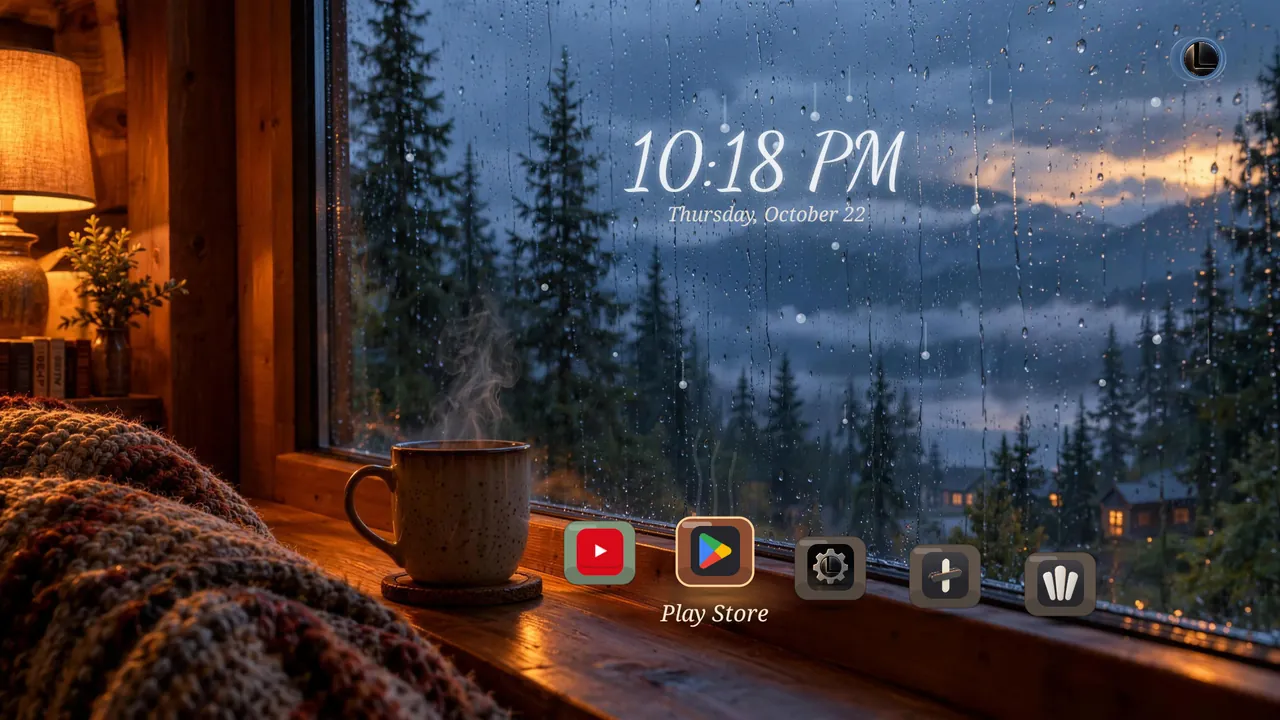
Rainy WindowGlazed tiles on a cabin window sill. The focused one lifts into the lamplight and steams. 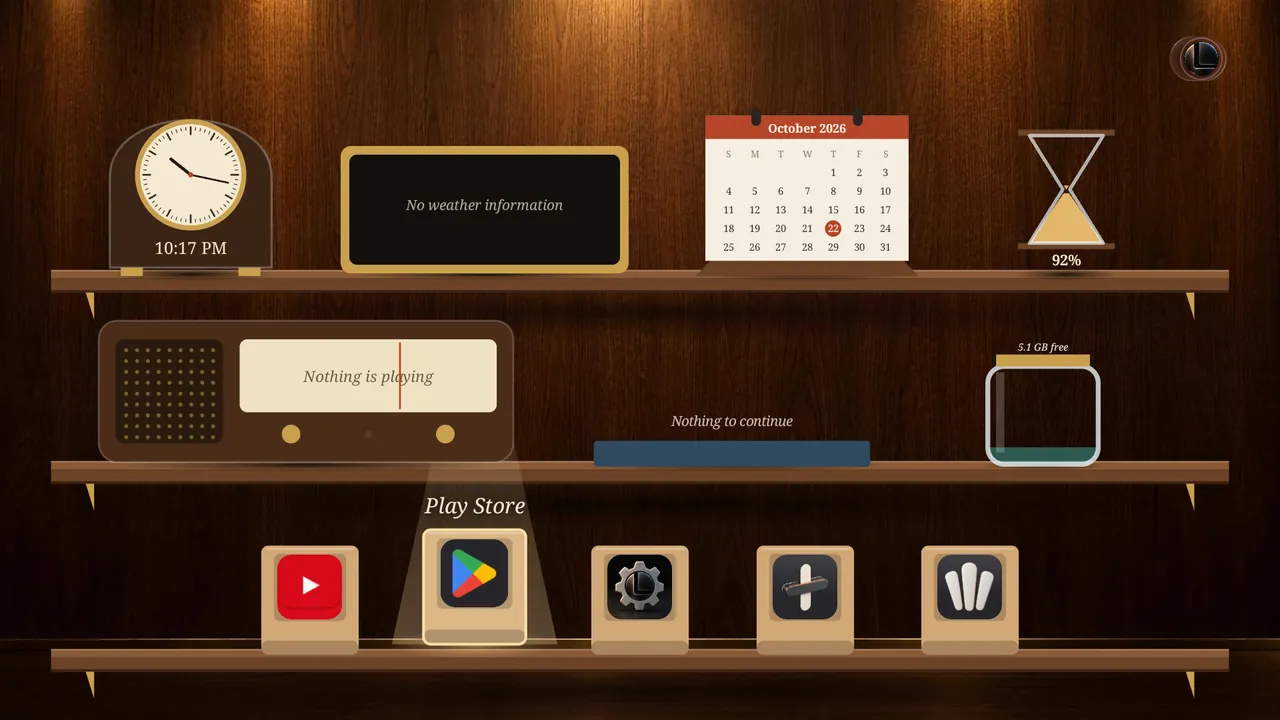
Widget ShelfThree walnut shelves: a clock, a calendar, an hourglass, a radio. The apps stand on the bottom one. 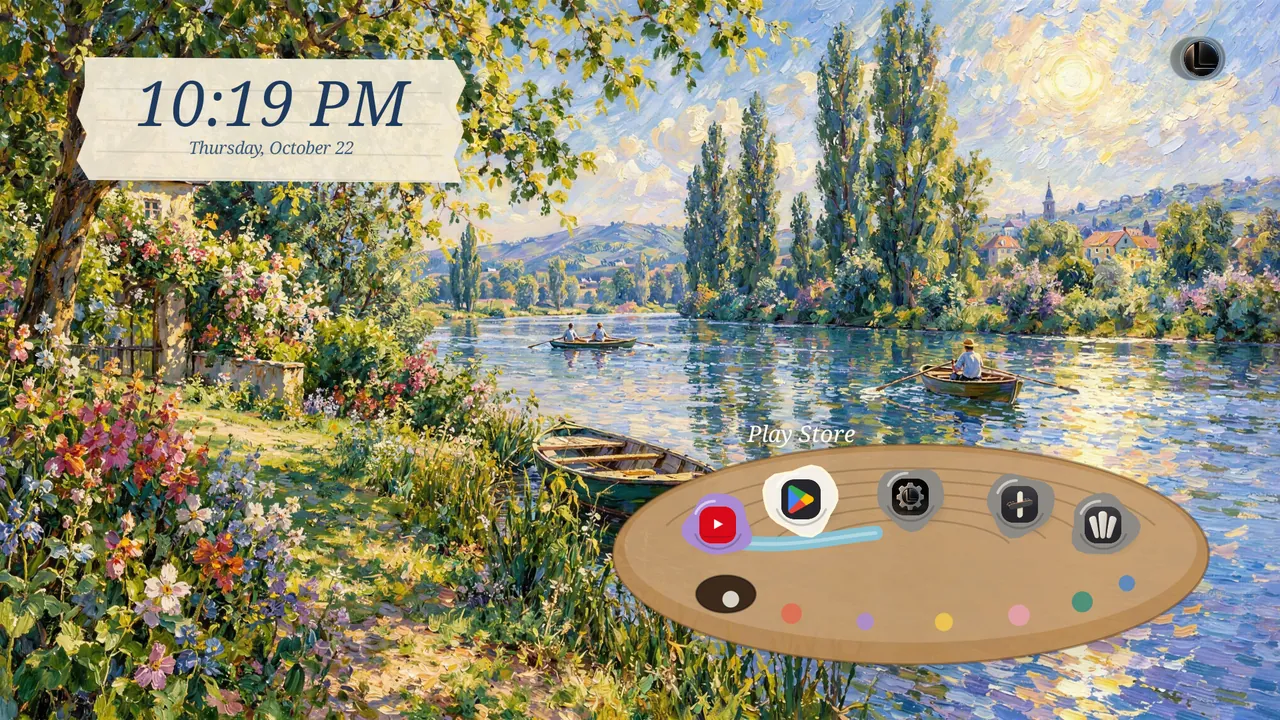
Painted RiverbankApps are dabs of paint on a palette over the river, and a brushstroke sweeps under the focused one.
LeTa is free: the Default home screen, live weather, Pexels and your own photos cost nothing. Every other scenario, the whole wallpaper and icon library, the Painting Atelier and the fine-tuning come with one one-time LeTa Pro purchase. No ads, no subscription.
CAPTURED FROM THE 1.3 BUILD ON AN ANDROID TV EMULATOR · YOUR TV SHOWS YOUR OWN APPS
The home screen moves. Sometimes it rolls the dice.
LeTa 1.4.0 brought 32 more scenarios. Seventeen Motion worlds move with your remote. In fifteen games you don't open a separate app: the game is the home screen, and your apps stay in the Dock.
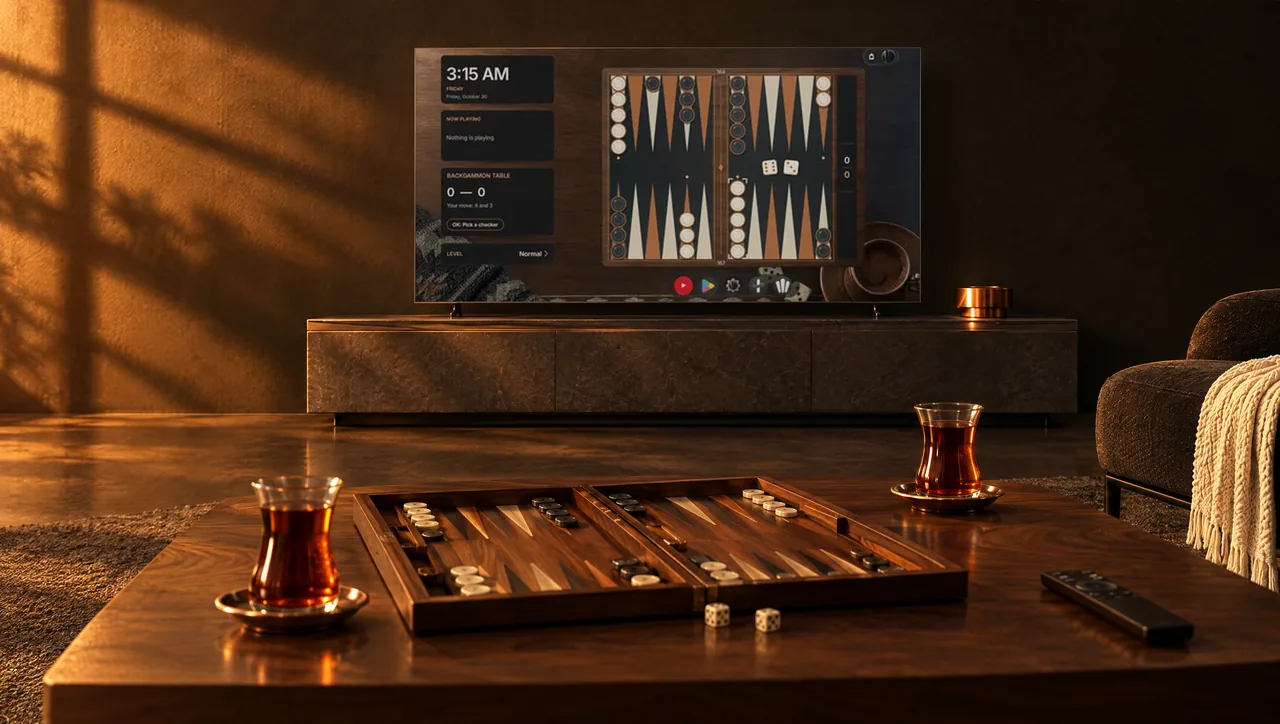
15 GAMES · ON THE HOME SCREEN
No separate app. The game is the home screen.
Backgammon on inlaid walnut, Pishti at a leather table, Batak with three LeTa players. XOX, Mangala and Four Stones also work for two people on one remote. And some games are played with your own apps.
17 MOTION WORLDS
Worlds that move with your remote.
Land on an app and the whole picture answers: ink spreads, a lantern flies over, dimension lines draw themselves.
The Default home screen is free. The other 105 scenarios, Motion worlds and games included, come with one one-time LeTa Pro purchase, and you can really use each of them for 5 minutes once a day before you decide. No ads, no subscription.
POSTERS: THE APP'S OWN SCENARIO GALLERY, FROM THE 1.4.0 PACKAGE ON GOOGLE PLAY · YOUR TV SHOWS YOUR OWN APPS
Tailor your Dock.
Glass that flows, frosted glass, or nothing at all. Pick a surface, a shape and a finish, and the Dock below changes with you. Land on an app and it grows.
LIVE PREVIEW
ILLUSTRATIVE ICONS · YOUR TV SHOWS YOUR OWN APPS
Same apps, new materials.
The Icon Atelier holds 17 handcrafted collections, from cast metal and folded paper to marble and felt, each with 44 app and function icons. Apps outside a collection are drawn in the same language, so your Dock still reads as one set.
01 / 17 Foundry cast metal, copper edges
THE APP'S OWN COLLECTION ICONS · YOUR TV SHOWS YOUR OWN APPS
Pick a collection and the icons change right away.
Collection
- 17 collections, 44 icons each
- 25 icon languages in four families: materials, handcraft, print, light and motion
- Five plates: Original, From the wallpaper, Transparent glass, Custom color, Ivory
- The light follows the time of day
- Use the same collection in every scenario, if you like
- Collections and icon languages come with LeTa Pro; original icons and icon packs are free
Settings › Home Screen › Apps & Icons › Icon Atelier
REAL CAPTURE FROM THE TV
One Dock, two collections: Foundry and Paper Workshop.


What would you like on the wall?
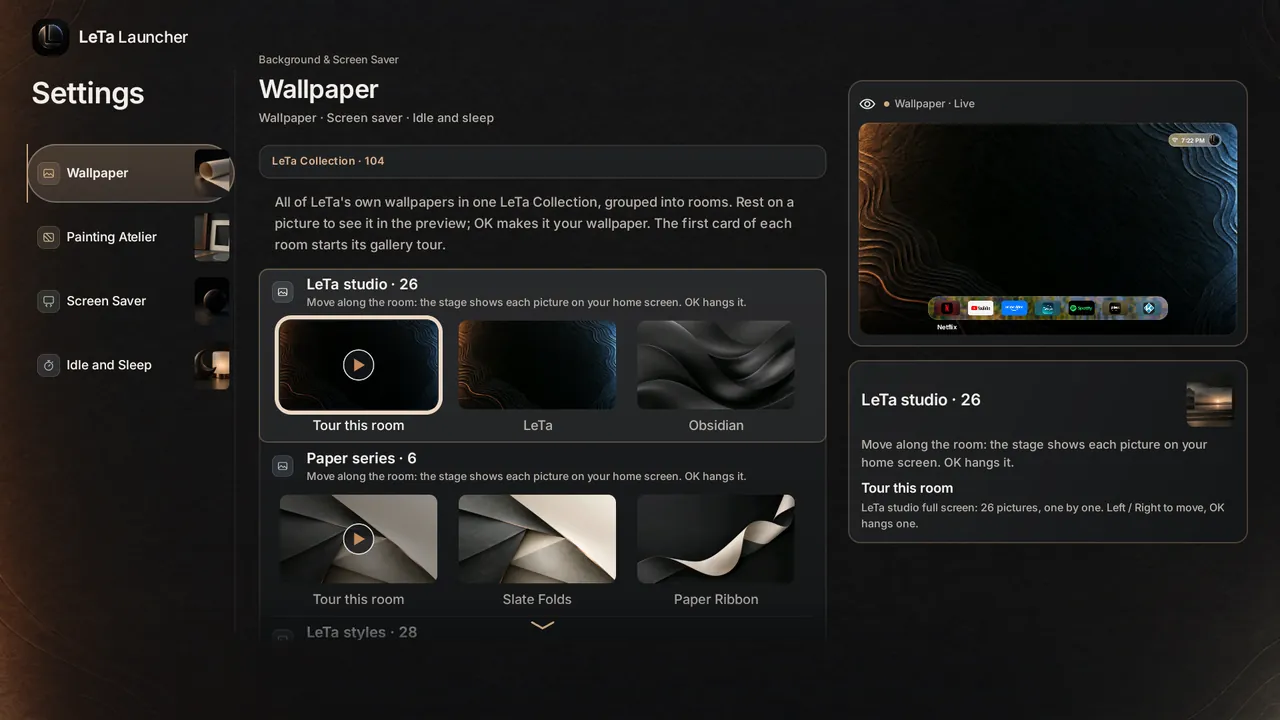
LeTa's own wallpapers live in one LeTa Collection: six rooms and well over a hundred pictures. Move along a room and each picture shows on your home screen; OK hangs it. The first card of every room starts a full-screen gallery tour.
THE APP'S OWN WALLPAPERS · SCALED DOWN FOR THE PREVIEW
Rooms
There are other sources too: Aerial Views, Pexels, or your own photos, albums and videos. You can even send one from your phone with a QR code. The LeTa studio, the Paper series, living weather, Pexels and your own photos are free; the other rooms and your own video come with LeTa Pro.
- Brightness 20–100%, ten levels of blur
- Moving wallpapers: always play, pause when idle or still frame only
- Wallpaper of the day: daily, on launch or from your favourites
- Softens very bright pictures by itself
Settings › Background & Screen Saver › Wallpaper
Your wallpaper, turned into a painting.
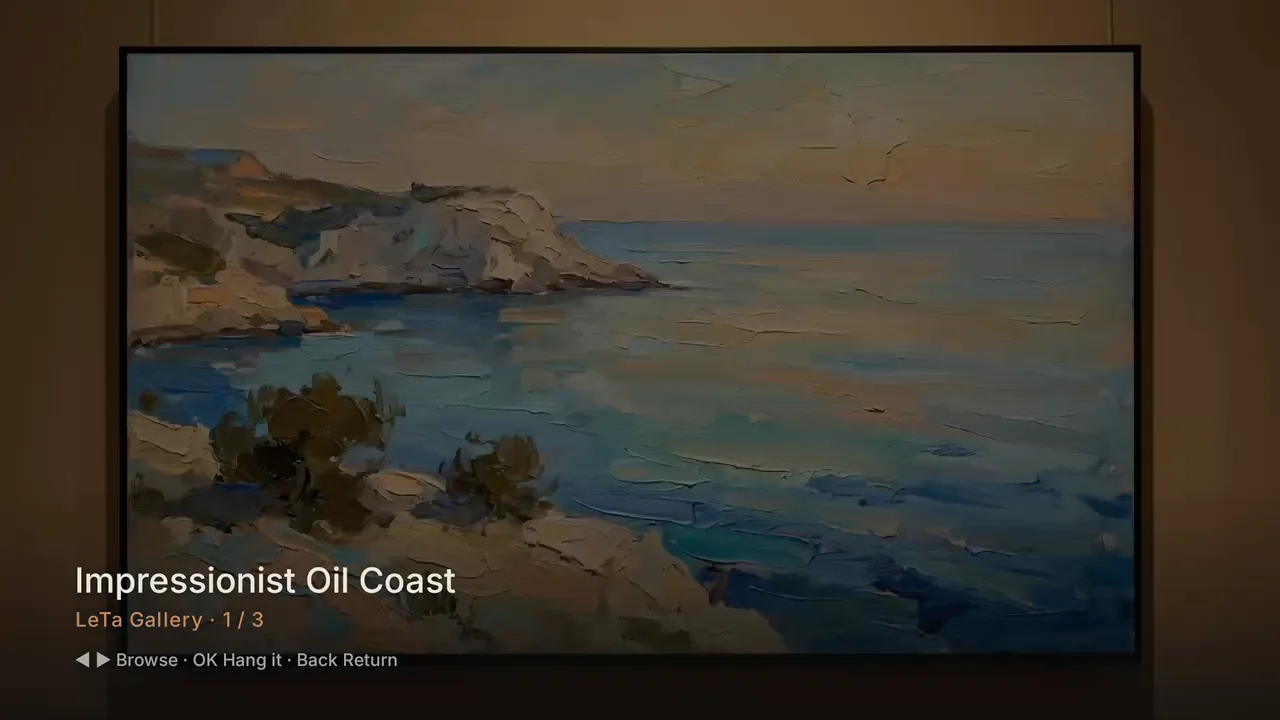
The Painting Atelier is new: pick a picture, give it a frame, a mat, studio light and an engraved brass plaque, then hang it where the screen used to be. Separately for the wallpaper and the screen saver. Every picture remembers its own frame.

Natural oak · Museum mount · Cotton paper
ILLUSTRATIVE WEB DEMO · ARTWORK FROM THE APP'S OWN COLLECTION
Pick a frame and a mat and see the difference straight away.
Frame material
Mat
Mat texture
PAINTING ATELIER
Pick it, frame it, light it, hang it.
01 · Pick
Browse the LeTa Collection or bring your own photo. Every room has a full-screen gallery tour.
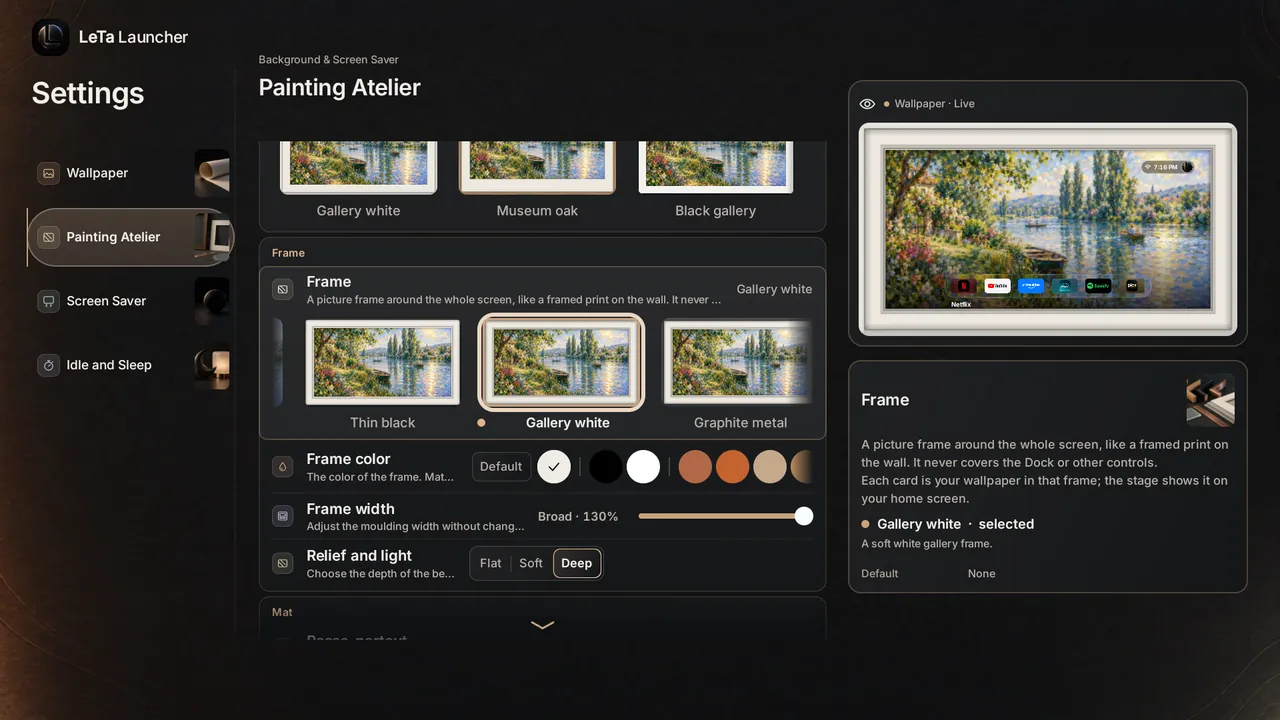
02 · Frame
Fourteen frames, six mats and four mat textures. Set width and depth in three steps, or start from one of eight atelier presets.
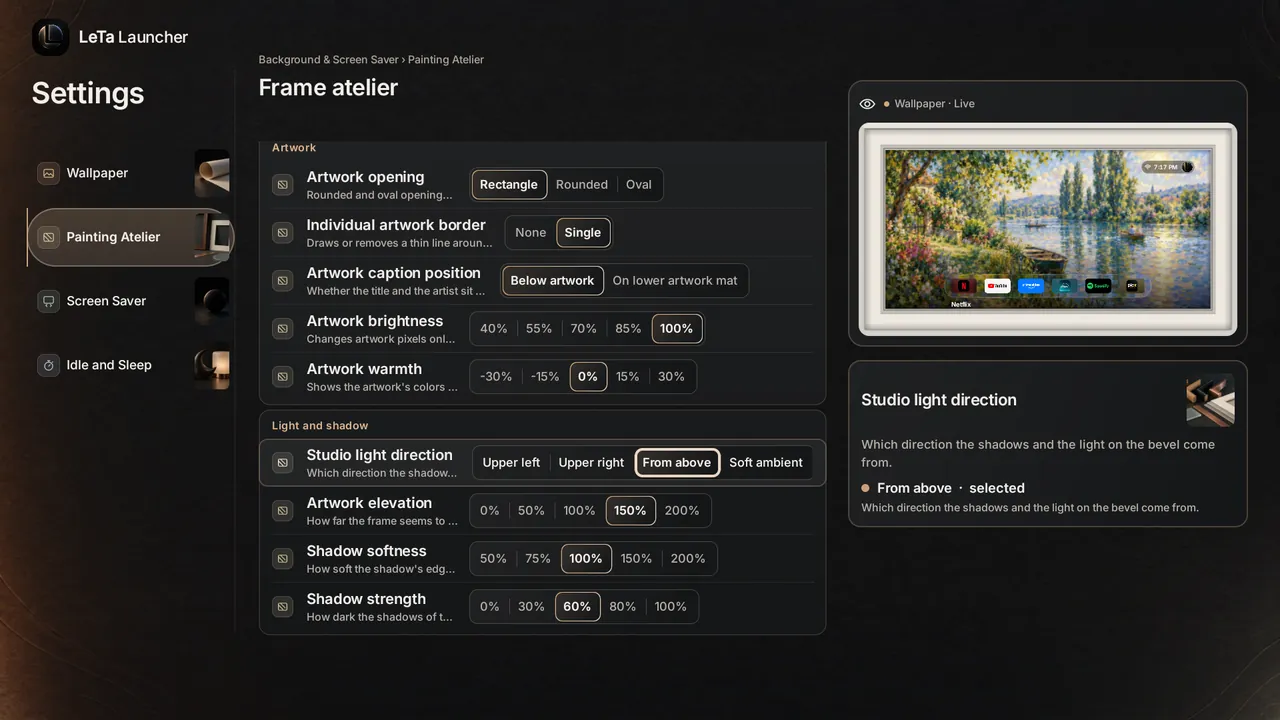
03 · Light
Studio light from the upper left, the upper right, above or soft ambient, and the shadow falls to match.
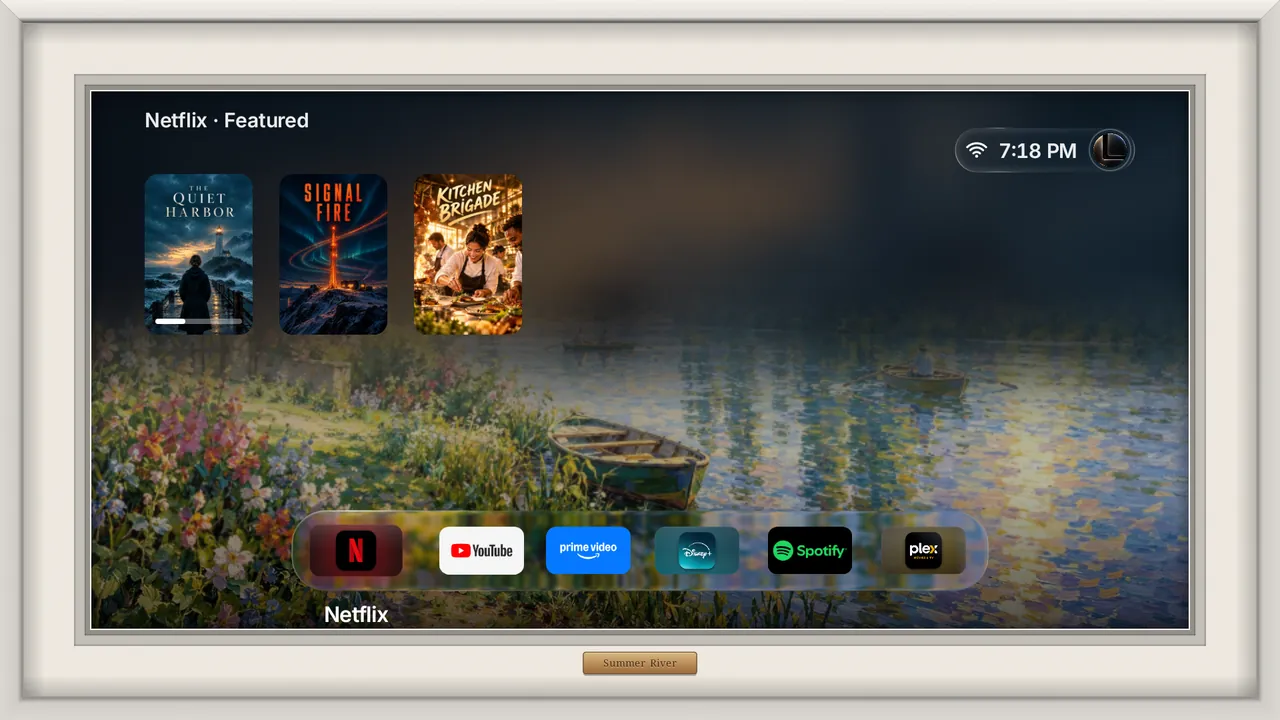
04 · Sign and hang
Add a brass plaque with the picture's title or your own words (up to 40 characters). Hang it on the wallpaper, the screen saver or both.
REAL CAPTURE FROM THE TV
One painting, many frames.
The same picture in five frames, on a real TV home screen. Click for the next one.
Every painting keeps its frame.
Tell LeTa to remember a frame for a picture or an album, and it comes back in that frame every time. Up to 64 pictures or albums, plus 12 saved looks. You can import your own mat texture too.
Atelier presets
On the home screen, frames show with the Default and Exhibit scenarios. The Painting Atelier comes with LeTa Pro.
Settings › Background & Screen Saver › Painting Atelier
What's it like outside? Check the TV.
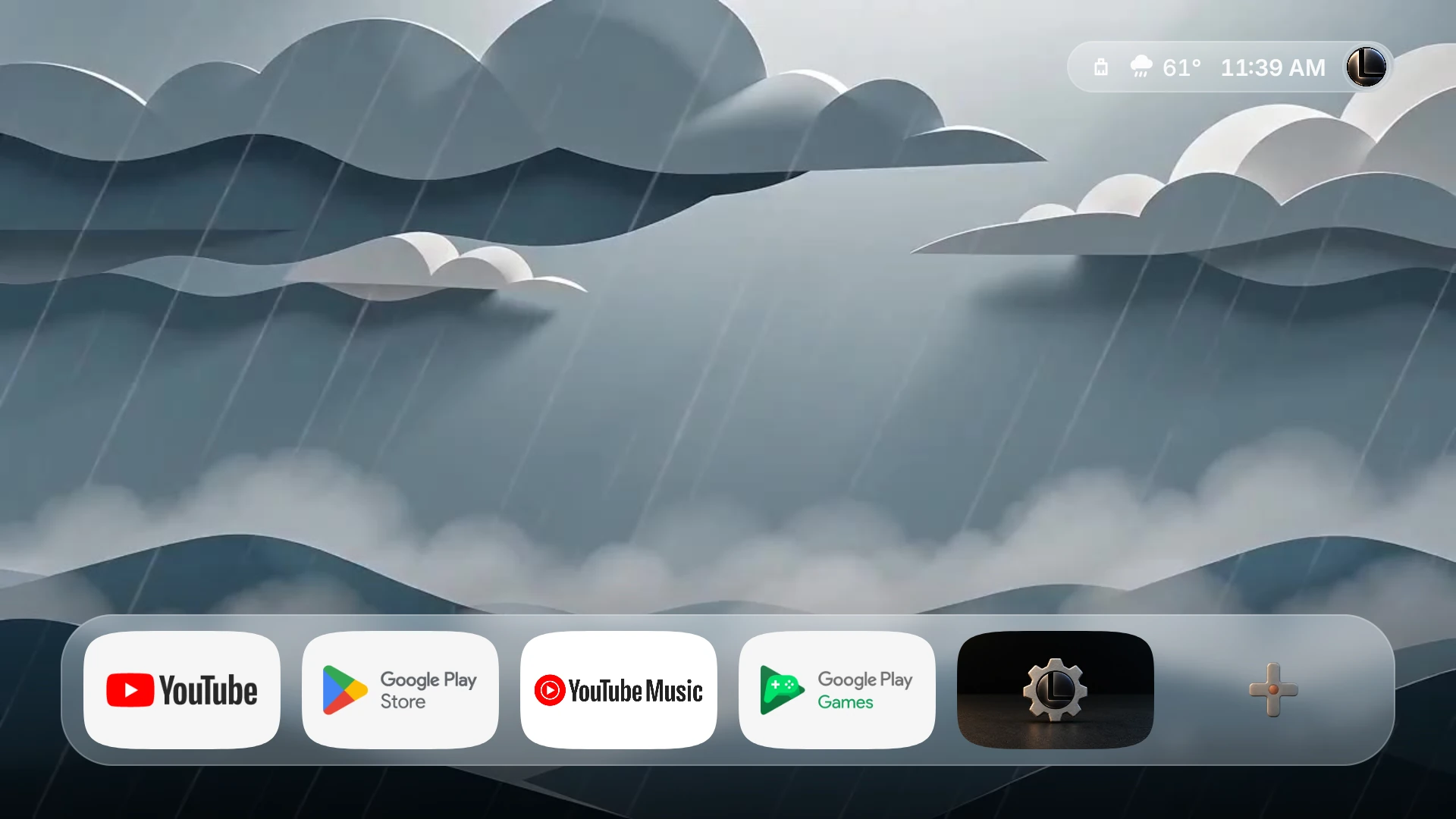
Pick your city and the wallpaper changes the way a window view would. Living weather has eight scenes: sunny, cloudy, rain, snow, night, fog, dawn and dusk. It stays off until you choose a city.
Page backdrop
Press up. Pick up where you left off.
A shelf slides up above the Dock. Continue watching holds only what you really left halfway; next episodes go to Up next, and new episodes and your watchlist to Featured. From your TV apps, your own Jellyfin, Emby, Plex or Kodi server, or your own M3U + XMLTV list.
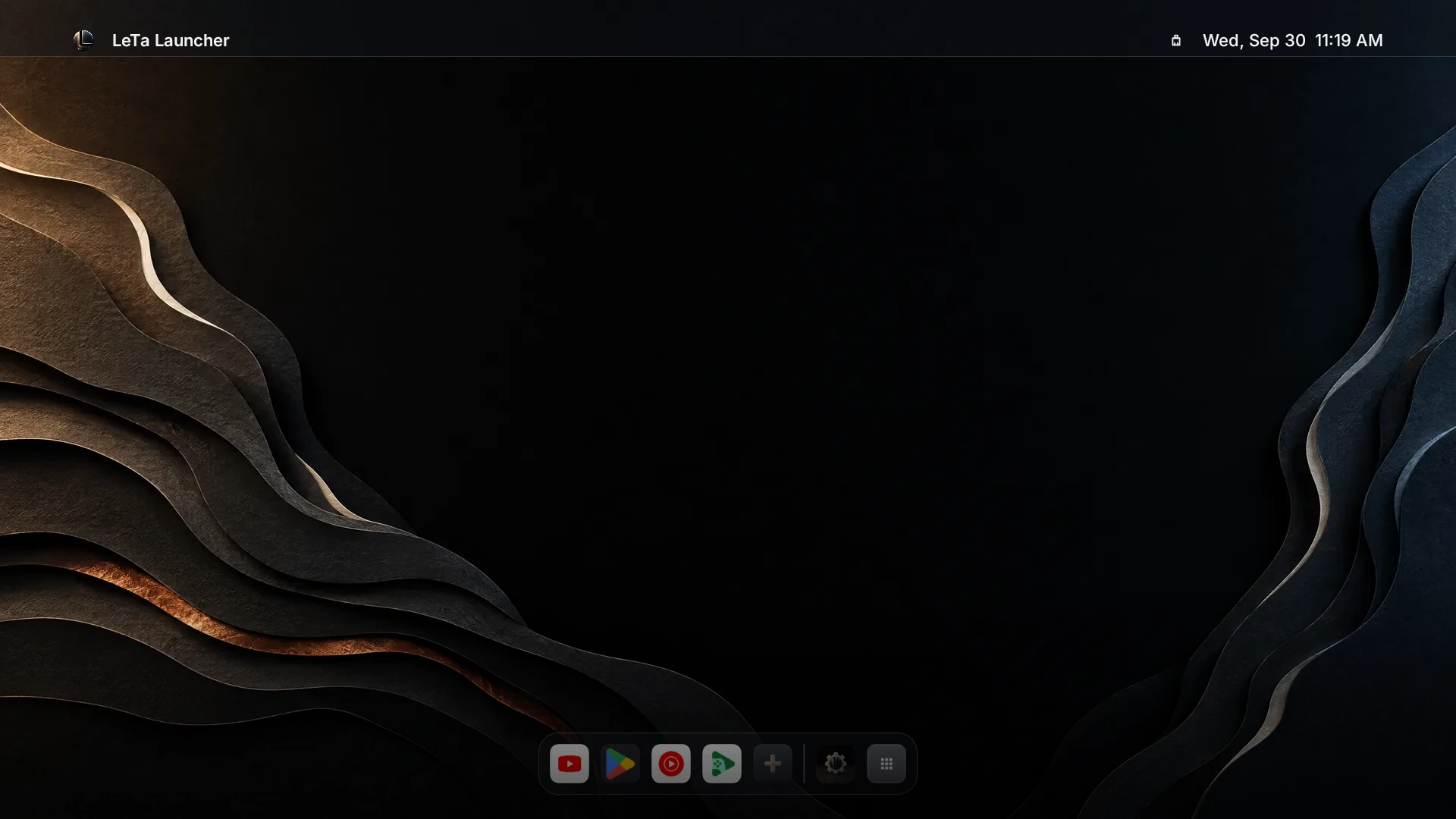
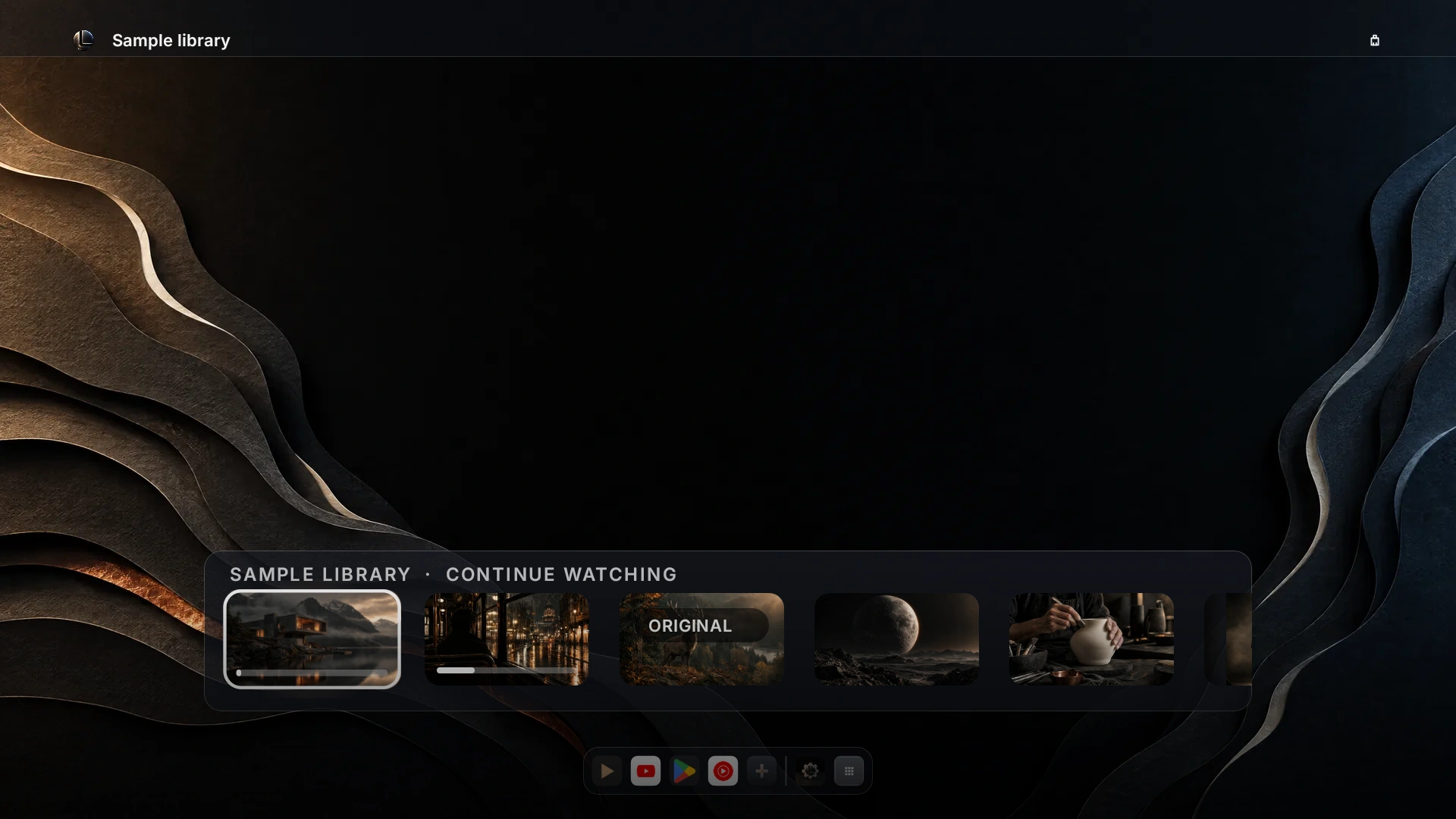
Every style has its own shelf
LeTa doesn't sell content, channel lists or subscriptions; we drew the sample posters ourselves. The shelves are free; adding a media server or a list comes with LeTa Pro.
Hidden channels. Flip through at your own pace.
Sixteen small things tucked deep in the settings. Pick a channel, press CH+, or use the arrow keys. Most come with LeTa Pro; backup, moving, Safe Mode, the picture tests and accessibility are free.
What's in 1.4.0? All of it, on one page.
The rest of the page is for getting a feel; this part is for the record. Everything in version 1.4.0 on Google Play, each marked free or Pro.
LeTa Pro is a one-time Google Play purchase; Google Play shows its price for your country. You can try Pro scenarios and some Pro looks live for 5 minutes before you buy. Switching a Pro feature off, or going back to the default, is always free.
CHECKED AGAINST THE 1.4.0 (170) PACKAGE ON GOOGLE PLAY · 4 NOVEMBER 2026
What changed this month?
LeTa gets a little better every week. These come from the release notes; the version on Google Play is 1.4.0.
RELEASE NOTES
Not much of a reader? We filmed it.
All of LeTa in two minutes twenty: the first thirty scenarios, the Painting Atelier, icon collections, wallpapers and Control Center. Recorded on a real TV, nothing mocked up. Narrated in English.
Chapters
NEW · 0:53
A brief history of the TV home screen.
From a 1960s teak radio to today, five decades of home screens in under a minute, each one a real LeTa scenario. Narrated in English with an AI voice; original score.
Shelf samples: Blender Studio open movies (CC BY), © Blender Foundation | studio.blender.org. Other titles are fictional samples made for this film. AI-generated narration; original score.
NOW ON GOOGLE PLAY
Same room. Your screen now.
LeTa is on Google Play. Download it free and build your Dock on your TV.
Get it on Google Play contact@letalauncher.com
Android TV and Google TV · Android 8.0 and up · 19 languages